
Upgrades
HOT WHEELS Infinite Rush upgrades and customization guide: the Perk system, drift/nitro/handling mods and the Creativity Corner for stickers, wheels and rims.
Introduction
Upgrades and customization are how you make your HOT WHEELS Infinite Rush garage feel like yours. The Perk system lets you spend Perk points to boost performance stats and fine-tune your racing style. Drift, nitro and handling upgrades modify how your car behaves, and some mods trade off other stats, so tuning is a real decision rather than a pure power increase. The Garage lets you customize boost and strafe visual effects and sounds, while the Creativity Corner adds stickers, wheels and rims for a unique look. This page explains every system, the best upgrade priorities for each class, and how to use customization to stand out in multiplayer.
Upgrade Systems at a Glance
| System | Effect | Where |
|---|---|---|
| Perk System | Spend Perk points on performance stats | Earned through progression |
| Drift / Nitro / Handling | Modify car behavior, some trade off stats | Garage upgrade menu |
| Boost & Strafe FX | Custom visual and sound effects | Garage customization |
| Creativity Corner | Stickers, wheels and rims | Garage / customization hub |
Upgrade Breakdown
Perk System
Performance stats you unlock and spend with Perk points
Drift / Nitro / Handling
Behavior mods that sometimes trade off other stats
Boost & Strafe FX
Visual and sound effects for your boost and strafe
Creativity Corner
Stickers, wheels and rims for a one-of-a-kind look
Core Mechanics
HOT WHEELS Infinite Rush splits upgrading into performance and cosmetics. Performance upgrades change how the car behaves: drift upgrades improve sliding and cornering, nitro boosts raw speed, and handling upgrades tighten steering and stability. Crucially, some mods trade off other stats — a big nitro upgrade can hurt handling, so you tune for the events you care about. Perk points, earned through progression, unlock and boost performance stats to fine-tune your style further. On the cosmetic side, the Garage lets you customize boost and strafe visual effects and sounds, and the Creativity Corner handles stickers, wheels and rims. The two systems are independent, so you can build a fast car that also looks exactly how you want.
Advantages
Understanding the upgrade systems prevents wasted Perk points and bad trade-offs. If you know nitro upgrades hurt handling, you can avoid ruining a corner-heavy Drifter build and instead invest in the stats your chosen class actually needs. Knowing which stats matter per class lets you spend Perk points on the right upgrades instead of spreading them thin across your whole Garage. The cosmetic side adds long-term motivation: a unique look in multiplayer is a great way to stand out, and the Creativity Corner makes every car feel personal rather than just another die-cast. Tuning guides also help you prepare a car for a specific Rush Master, where terrain-matched stats can decide the race against a tough island boss. Finally, understanding trade-offs means you can re-tune between events, so a single well-upgraded car can serve both a straight-line Time Attack and a technical Drift Master session with the right setup changes.
Challenges
Exact Perk point costs and upgrade stat values are community-reported rather than officially published, so specific numbers can shift between Early Access patches and balance passes. Some mods have hidden trade-offs that are not shown clearly in the upgrade menu, which can surprise players who push one stat too far and then wonder why their handling fell off a cliff. The Creativity Corner has a large but not fully documented catalog, and some items may be locked behind progression or paid packs. We mark community-confirmed numbers clearly and update the guides whenever a patch changes the tuning math, but players should treat specific values as estimates until Milestone publishes an official stat sheet. In the meantime, experiment on a car you do not mind re-tuning, and keep one set of balanced upgrades ready for events you are not sure about.
Frequently Asked Questions
How do I get Perk points?+
Do upgrades have downsides?+
What is the Creativity Corner?+
Quick Tips
Tune for your main event type. A nitro-focused Speeder for time trials and a handling-focused Drifter for drift events beat one jack-of-all-trades build, because each class boost economy rewards a specific setup. Save a second tuning profile if the game allows it, so you can switch between race types without re-buying upgrades.
Re-tune before a Rush Master race, because terrain-matched stats matter more than raw upgrade level in head-to-head boss runs, and a small handling boost can turn a loss into a win. Study the boss course first, then spend your Perk points on the stats that the track actually demands rather than following a generic upgrade guide.
Use the Creativity Corner on your most-driven car first so multiplayer lobbies see your best-looking build, then personalize the rest of your Garage as you earn more cosmetic items. Cosmetic changes are cheap and reversible, so experiment freely without worrying about wasting resources or affecting your car's performance. A distinctive ride also makes you easier to spot in replays and shared track highlights.
Featured
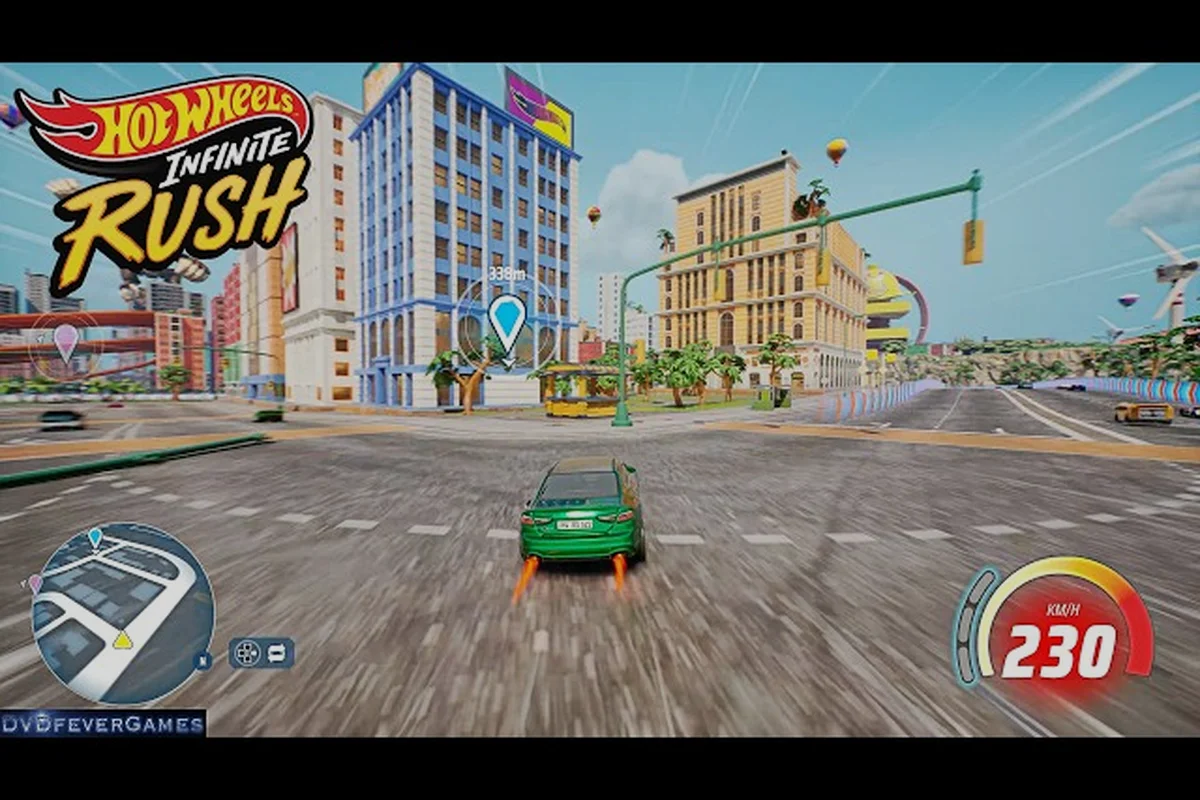
HOT WHEELS Infinite Rush Acceleration Upgrade: Launch Tuning Path
Unlock the HOT WHEELS Infinite Rush acceleration upgrade with smart perk spending, nitro timing tricks, and launch tuning that turns sluggish cars into rockets.
HOT WHEELS Infinite Rush Car Upgrades: Perk Build Order Explained
Master HOT WHEELS Infinite Rush car upgrades with a clear perk build order, stat breakpoints for drift and speed, and cheap ways to push a die-cast to its ceiling.
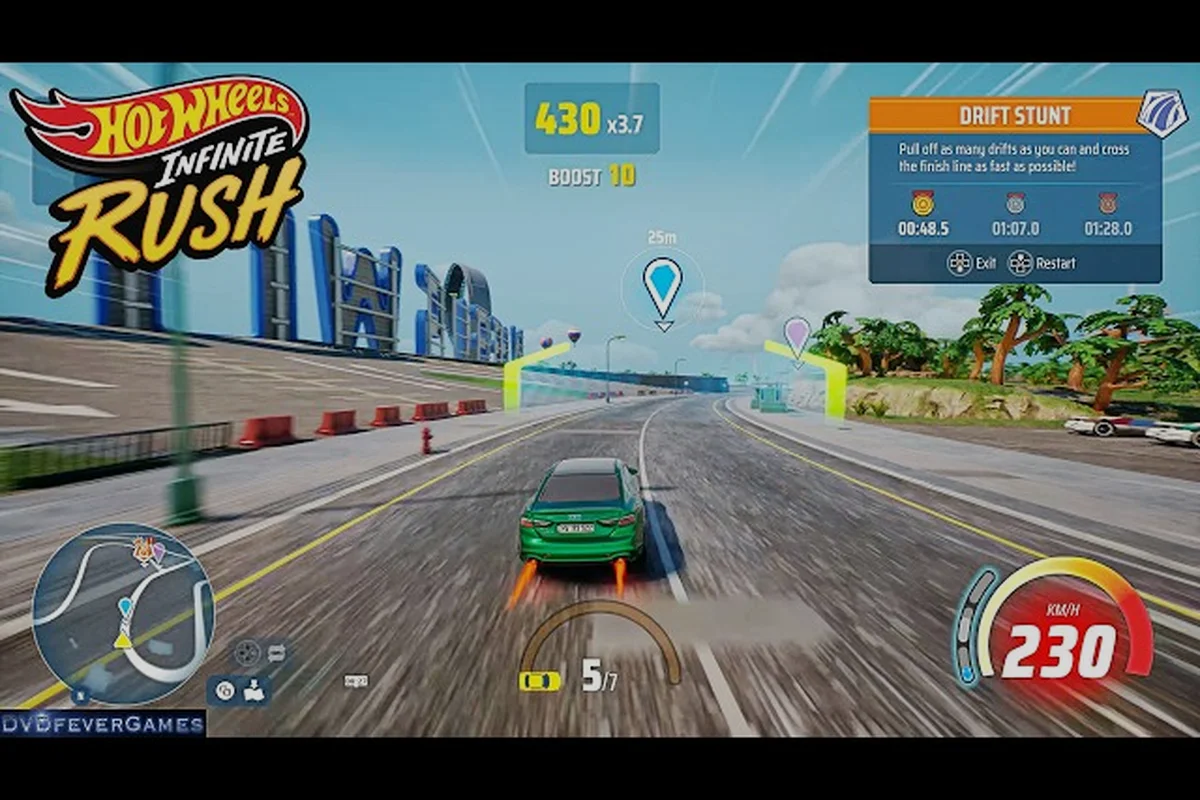
HOT WHEELS Infinite Rush Cosmetic Guide: Liveries and Rims
Master the HOT WHEELS Infinite Rush cosmetic guide with custom paint, sticker decals, and rim swaps that make every die-cast car stand out on the islands.
All Articles
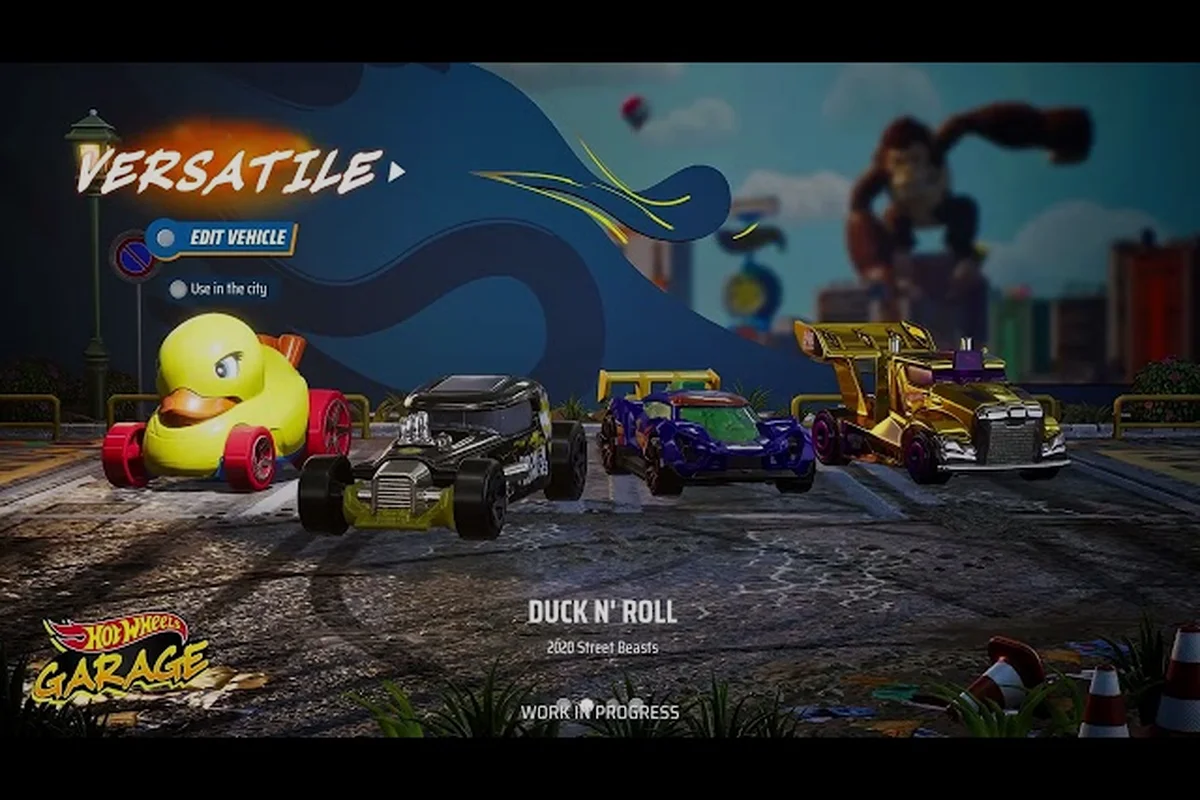
HOT WHEELS Infinite Rush Wheels Customization: Trail Effects
Learn HOT WHEELS Infinite Rush wheels customization basics, from rims and paint to boost trails and strafe effects that make every ride look unique.
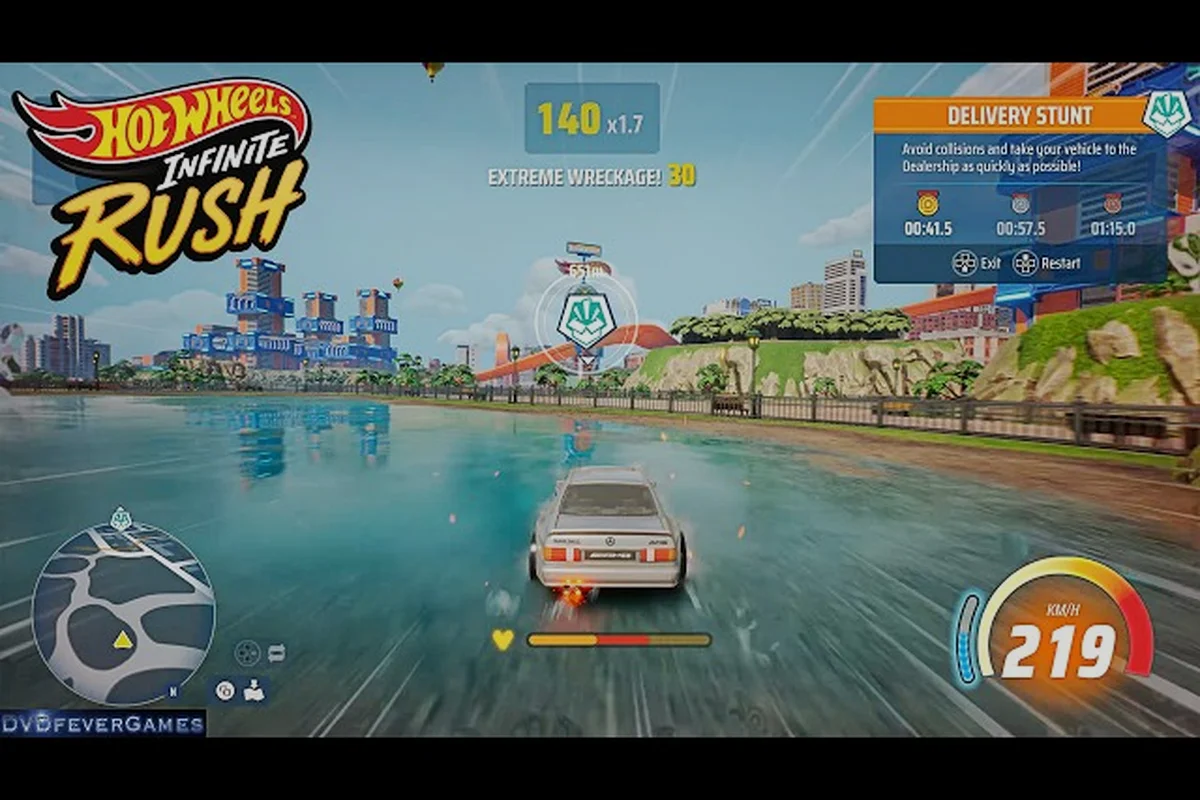
HOT WHEELS Infinite Rush How to Customize: Tuning and Stat Picks
Learn HOT WHEELS Infinite Rush how to customize with the perk system, tuning cost breakdowns, and the best stat picks for drift, speed, and handling.
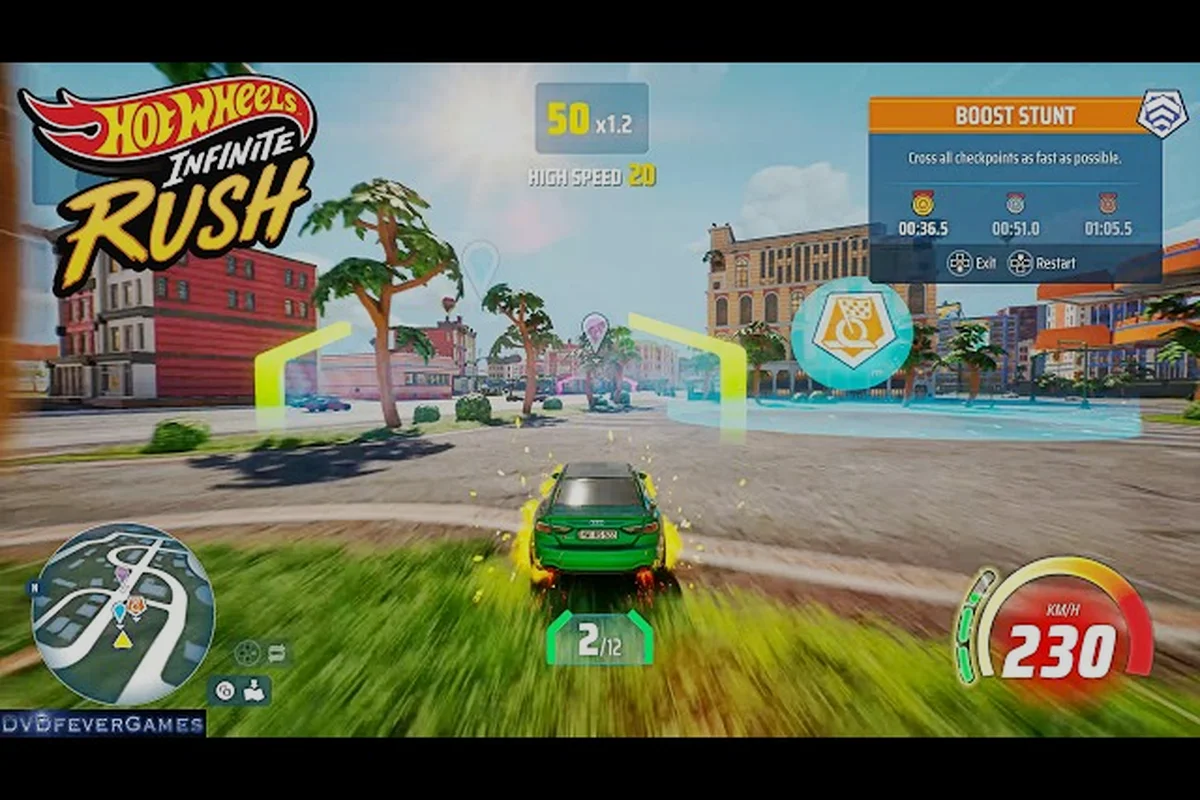
HOT WHEELS Infinite Rush Perk System: Stat Upgrade Priorities
Master the HOT WHEELS Infinite Rush perk system with stat upgrade priorities, drift and nitro tuning breakpoints, and Creativity Corner tips to shape every car.